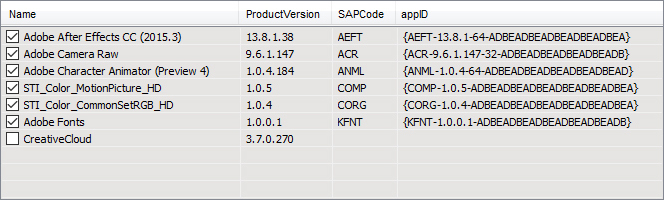
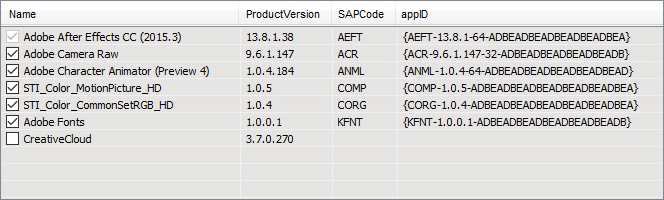
If you run
control inetcpl.cpl,,6 for example they are using (a TreeView in that case) with a custom state image list. You can see the image if you open inetcpl.cpl with Resource Hacker. They are probably loading it with a custom version of LoadImage(...,LR_LOADTRANSPARENT|LR_LOADMAP3DCOLORS). On Windows 8 this happens in IEFRAME!CRegTreeOptions::InitTree -> IEFRAME!CRegTreeOptions::_CreateImageList (It tries OpenTheme(0,L"Button")+GetThemePartSize+DrawThemeBackground first)
Windows 2000 uses the "flat fat" style from DrawFrameControl:
https://wayback.archive.org/web/2016.../screen_02.gif
Windows XP uses DrawThemeBackground:
https://wayback.archive.org/web/2016.../c00741753.gif