Hello!
Can somebody help me with task: getting name my current lan workgroup? I need it in my DLL (Delphi-based), but using netapi32.dll function NetWkstaGetInfo not possible (after thousands experiments and retries it's function always return error 87). Outside DLL (in clean Delphi applicaton) - all OK, this function works correctly. Maybe there is a way to succesful use NetWkstaGetInfo-function from clean NSIS script? Or, maybe somebody has dll source-code with correct call function NetWkstaGetInfo?
Thank you.
Get LAN Workgroup
17 posts
There is no reason why you can't call this in a Delphi DLL, it does not know if the caller is a dll or exe. Run in a debugger and check the parameters when calling the function and compare the working and non-working executions.
!include LogicLib.nsh
System::Call 'NETAPI32::NetWkstaGetInfo(p0,i100,*p.r1)i.r0'
${If} $0 = 0
  System::Call '*$1(p,p,w.r2)'
  System::Call 'NETAPI32::NetApiBufferFree(pr1)'
  MessageBox MB_OK $2
${EndIf} Anders, thank you! But from clean NSIS not worked also. Maybe because i've Ansi version of NSIS-installer (Unicode false)?
I try it on Win7 and Win11. 🙁

I try it on Win7 and Win11. 🙁
I don't think ansi matters here (I will check later) but you do need a somewhat recent NSIS v3.
Are you running Vista or 7? NSIS version?
87 is probably "invalid parameter".
Are you running Vista or 7? NSIS version?
87 is probably "invalid parameter".
- In Unicode version installer - also error 87 (checked). NSIS version: 3.08 Compile in Win7 64bit Pro. Run installer in Win7 and Win11 64bit.
Try changing the first parameter p0 to w"" or w"." or w"\\XYZ" where XYZ is the name of your computer.
You can also try the levels 101 or 102.
The workstation and/or server services probably have to be running for this to work.
You can also try the levels 101 or 102.
The workstation and/or server services probably have to be running for this to work.
Still error 87 in all variants (9 different combinates). First parameter must be is NULL (nil). I want to get the LAN WORKGROUP/DOMAIN value of current PC (where was installer is launched).
On same PC i run clear Delphi-EXE with succesful calling NetWkstaGetInfo. But same code from Delphi-DLL, using from NSIS-installer not work (error 87), and calling NetWkstaGetInfo from clean NSIS-script (your script-code) not working also (error 87).Originally Posted by Anders View PostThe workstation and/or server services probably have to be running for this to work.
Is that the actual code, how can Info and info be the same thing? It looks OK to me but I have not coded in Delphi in 20 years. To get help with this dll thing you should ask on StackOverflow.
As far as NSIS is concerned, you could upload a little test application that fails here and I can test it. For me, my code works correctly with both p0, w"" and "\\computer".
Even better, if you know how to use a debugger, set a breakpoint on NetWkstaGetInfo and compare your working application with NSIS by single stepping.
As far as NSIS is concerned, you could upload a little test application that fails here and I can test it. For me, my code works correctly with both p0, w"" and "\\computer".
Even better, if you know how to use a debugger, set a breakpoint on NetWkstaGetInfo and compare your working application with NSIS by single stepping.
In attachment test script - it's not work after compiling.Originally Posted by Anders View PostAs far as NSIS is concerned, you could upload a little test application that fails here and I can test it. For me, my code works correctly with both p0, w"" and "\\computer".
Please, try it compile and run exe. Thank you.
Uploading the .nsi does not really help, as expected, it works correctly for me.
Try my exe.
Try my exe.
Unfortunately, still 87: error on different Windows. 🙁 Maybe it's conflict non-English Windows language (and none-Unicode too) and NSIS. I'll try some experiments on virtual machines, Thank you for help!Originally Posted by Anders View PostUploading the .nsi does not really help, as expected, it works correctly for me.
Try my exe.
I'll write about the results later.
87 is most likely invalid parameter. I assume your Delphi IDE comes with a debugger, if not, WinDbg is free. It would provide more helpful clues than what I can give you here since it works for me on the machines I tested.
So, i'm install on VM - clear Windows 7 English Language and all is started working OK. On Windows with other language (I check it on 11-12 different PCs - Rus Windows 7,10,11) - still error 87 from NSIS-exes or from NSIS-exes with running NetWkstaGetInfo from plugin. I tried to change none-Unicode language on English (USA) - not work, still error 87. It's a NSIS-bug with none-English Windows. I create some test utils in Delphi, Visual Studio - all works from its exe files OK. From NSIS-exe - error 87. =(Originally Posted by sfx09 View PostUnfortunately, still 87: error on different Windows. 🙁 Maybe it's conflict non-English Windows language (and none-Unicode too) and NSIS. I'll try some experiments on virtual machines, Thank you for help!
I'll write about the results later.
I think, when the parameters of the NetWkstaGetInfo function pass through NSIS - for a non-English OS they are distorted.
Thanks. But your test-exe not work w/o error 87 in russian version Windows (i try on Rus Version 7, 11, 10). 🙁 On Windows 2008 R2, XP Rus - it's work correct!Originally Posted by Anders View Post87 is most likely invalid parameter. I assume your Delphi IDE comes with a debugger, if not, WinDbg is free. It would provide more helpful clues than what I can give you here since it works for me on the machines I tested.
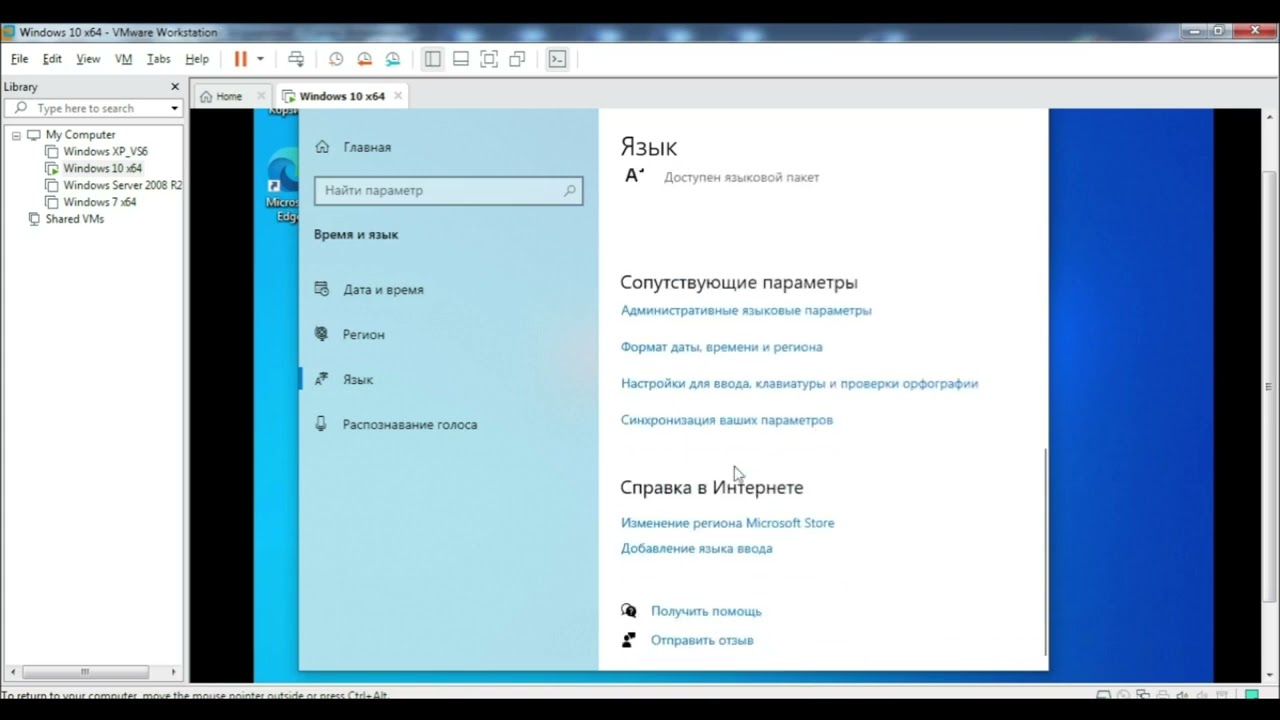
Win10 work Anders's test exe and my test exe (Delphi). For visual example.
I don't think the Windows language would change how the function is called. The only way to check is with a debugger...